



Eagleye Rsd Thermal Processing Furnace Industrial Automation Software
| Brand | 3E |
|---|---|
| Model Type |
Eagleye RSD |
3E Eagleye RSD Heat Treatment Oven Industrial Automation Software
With the RSD program, you can control the machines from a single central computer.
The main features of the RSD program are; Graphic Interface, Monitoring System, Alarm System, Data Acquisition, Analysis and Reporting Systems.
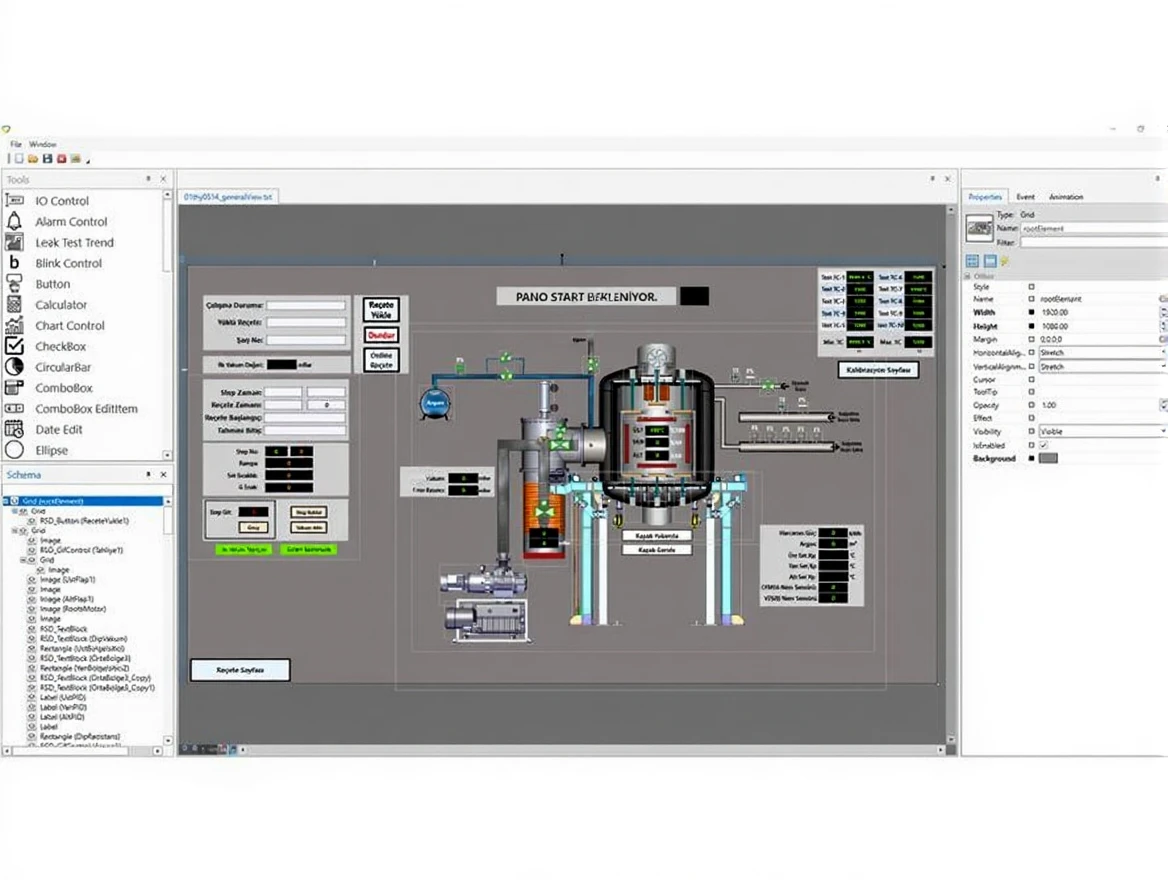
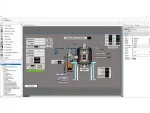
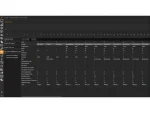
DESIGN SCREEN
The design screen is the screen where the main page design is made. Here, the page design can be done using images, gifs, buttons, textboxes, text blocks, and many other special tools.
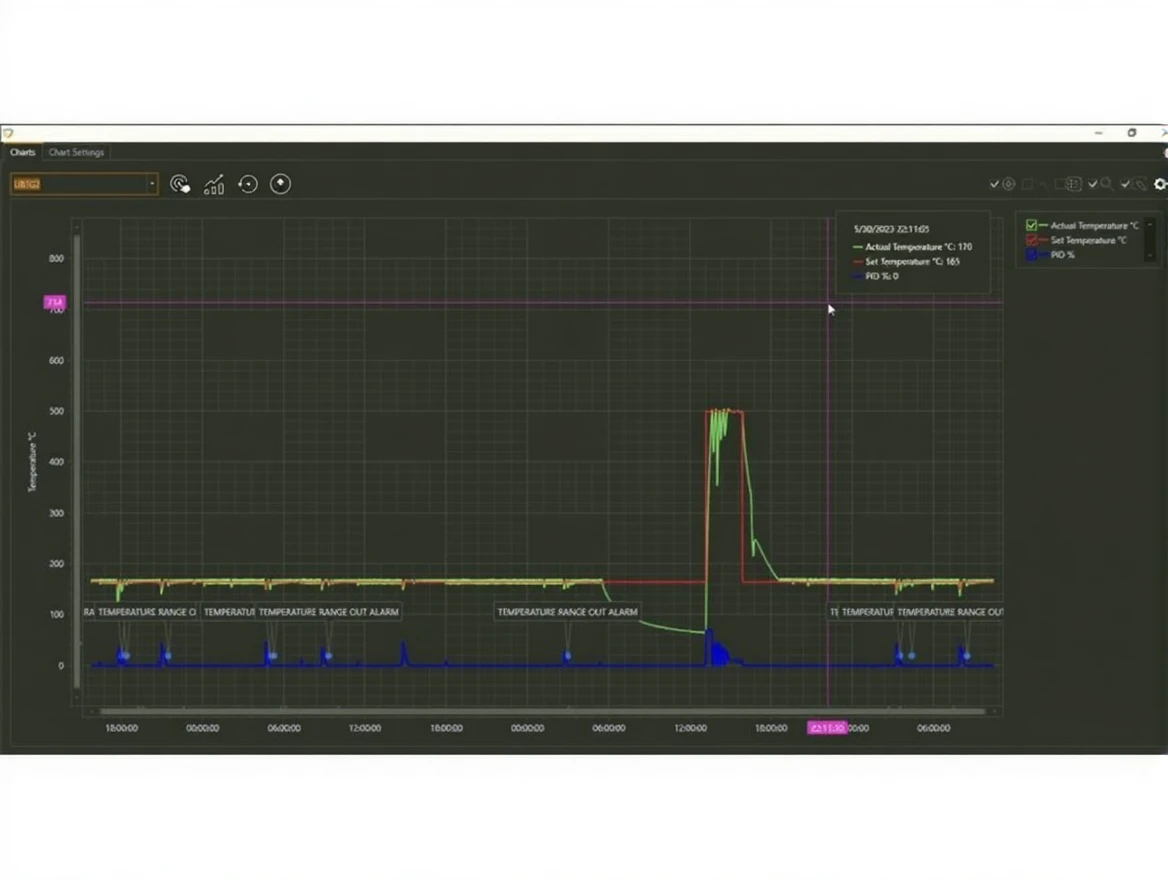
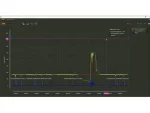
Trend Screen
The trend screen is where the desired data is recorded and observed graphically.
Trends can be examined in detail between desired dates.
Trends can be output as pdf, image, or excel file.
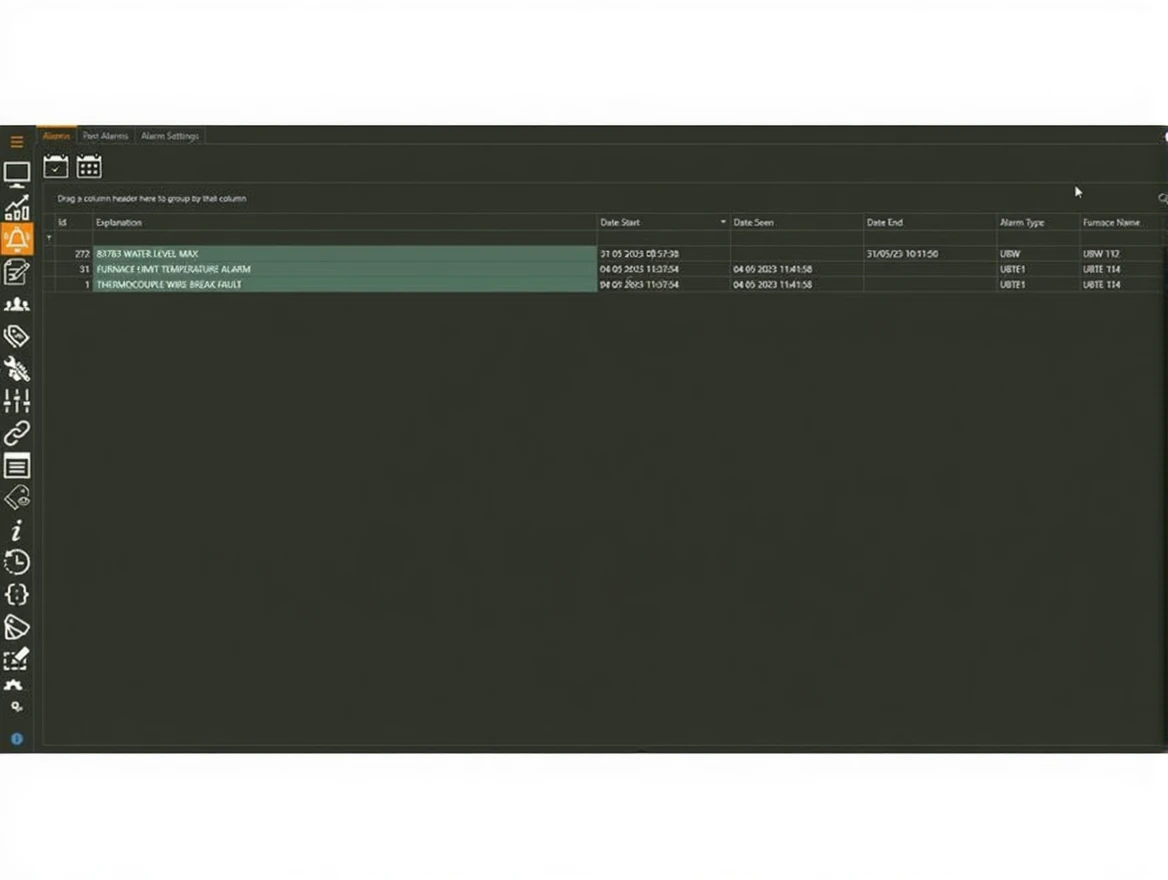
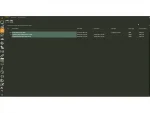
Alarm Screen
It is the screen where current or past alarms are listed. The starting, ending, and sighting dates of the alarms are shown on the screen. In the past alarms tab, alarms can also be viewed between desired dates.
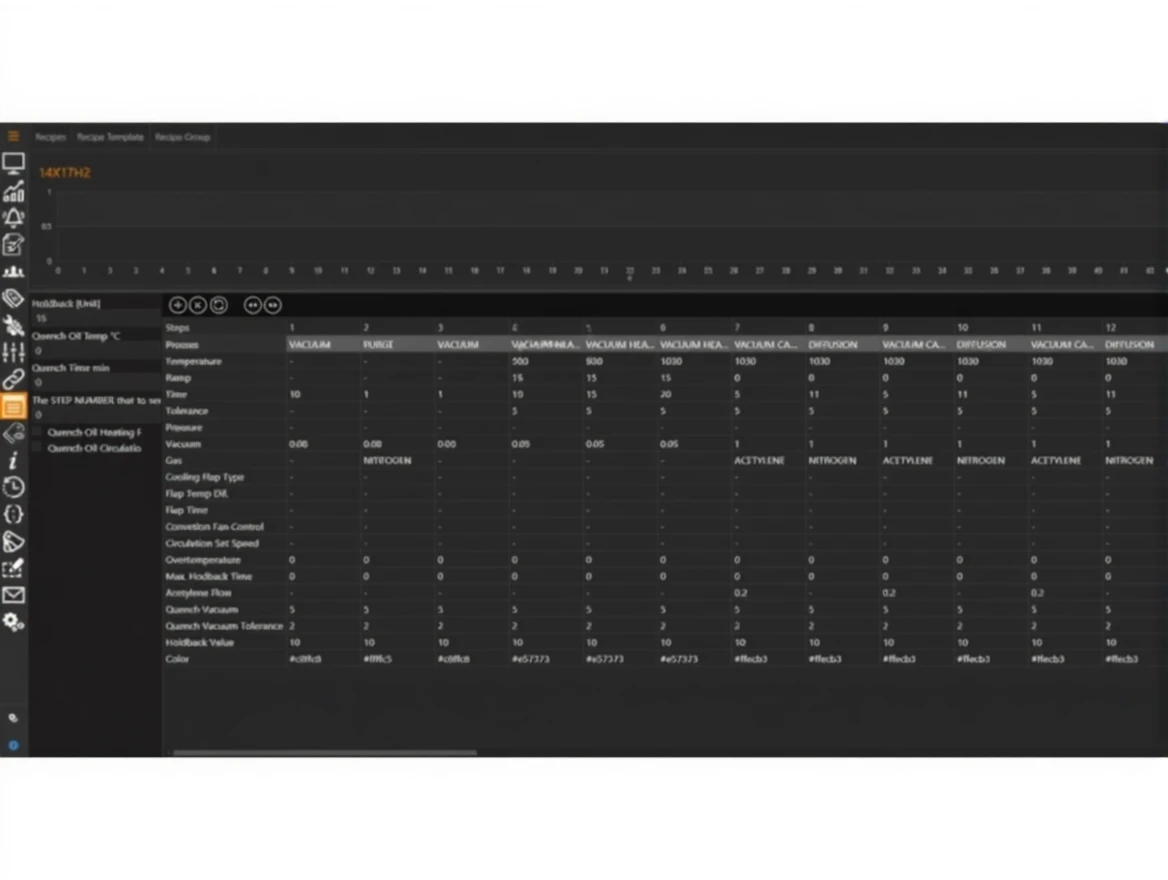
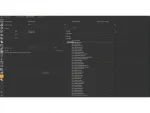
Recipe Screen
It is the screen where desired values (such as temperature, pressure) are set at certain steps. Template types such as Graph(Step), PipeBending, ProfileBending, MathFormula, and Gcode can be selected.
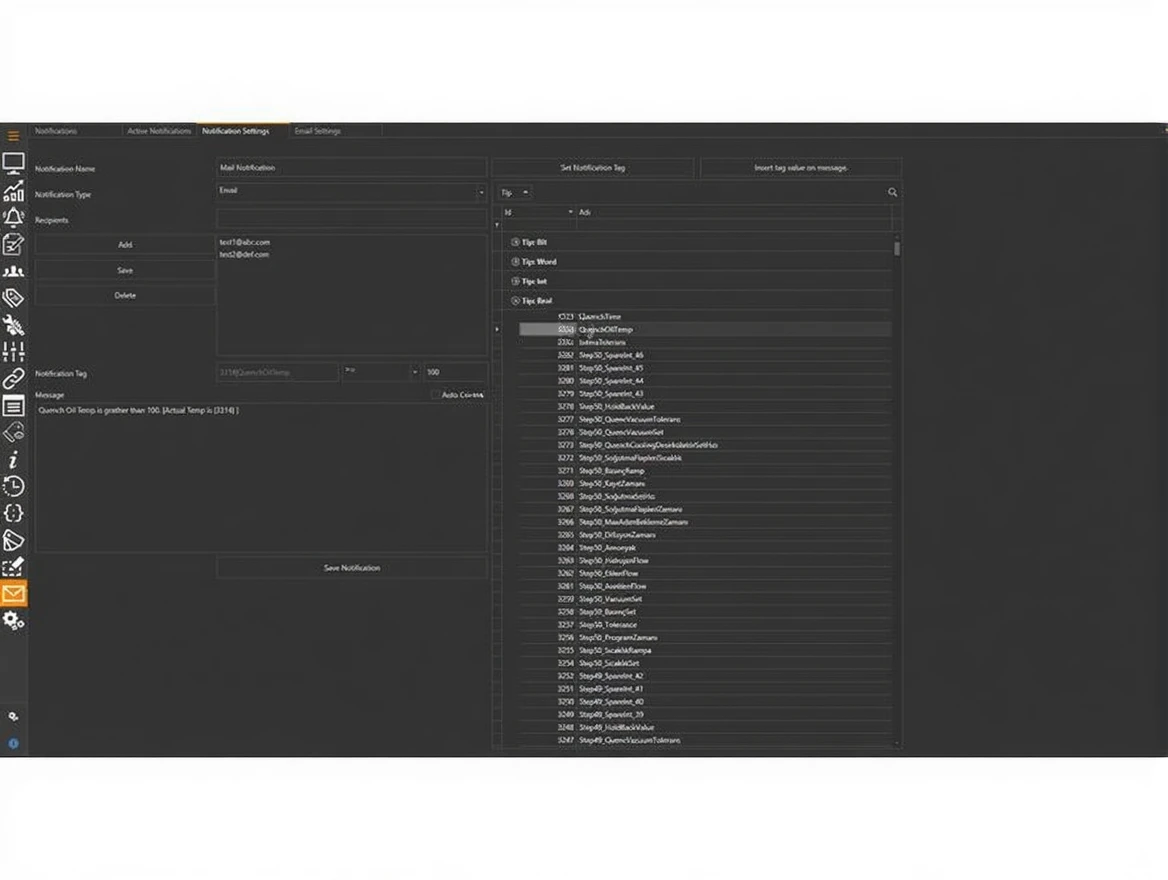
Notifications Screen
Notifications screen is used to send SMS or Email to the user in relevant situations. For example; when the oven door is opened or the temperature exceeds a certain value, the user can be notified via a text message (SMS) or Email.
Related products
Eagleye Qrd Thermal Processing Process Control Industrial Automation Software
In stock
| Brand | 3E |
|---|---|
| Model Type |
Eagleye QRD |