






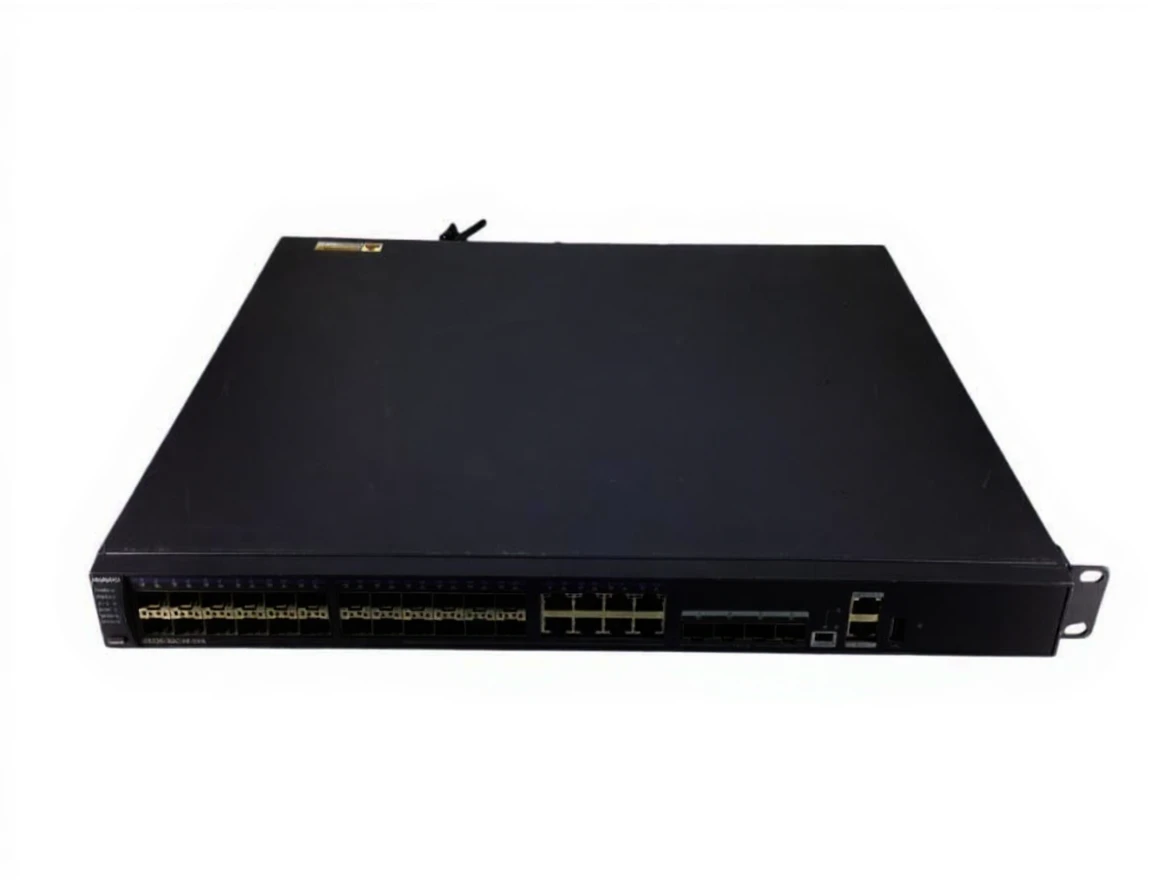
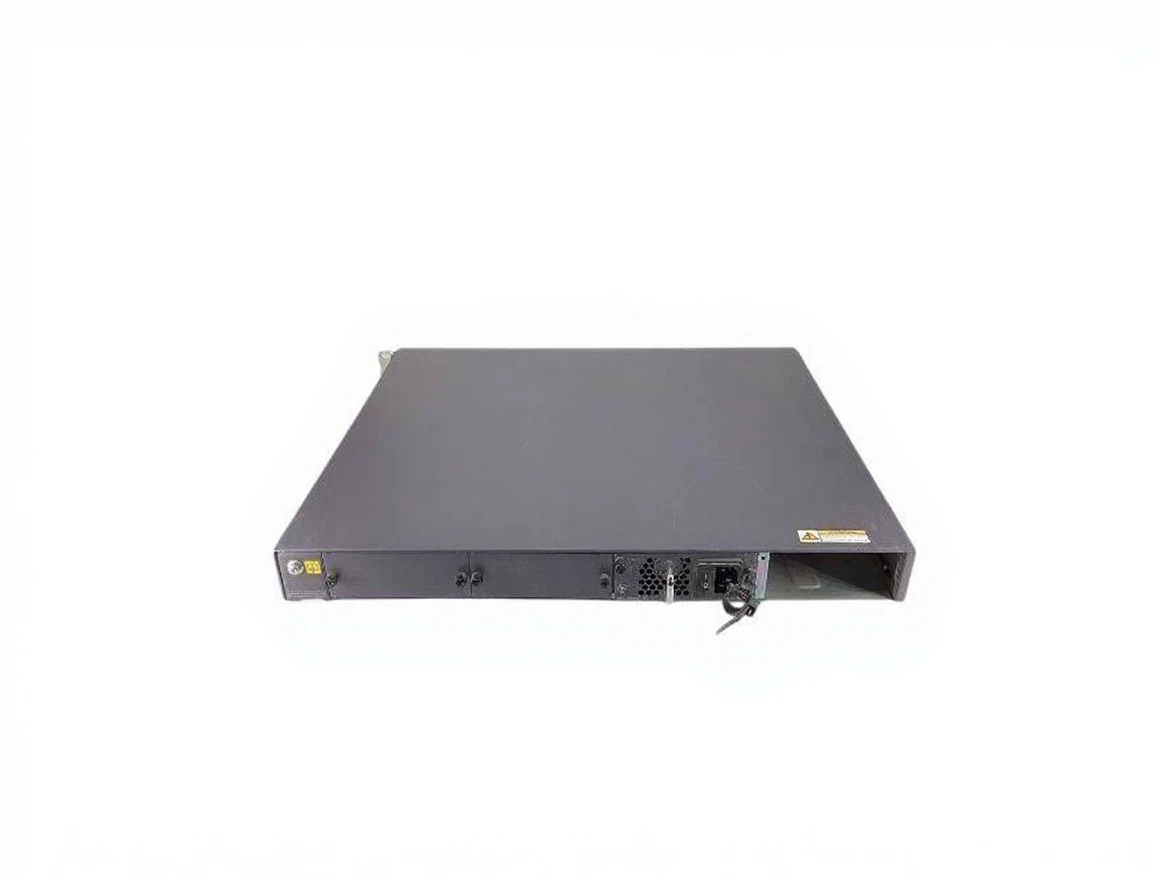
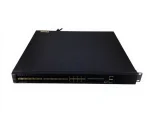
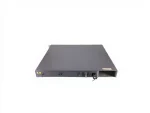
Huawei S5320-32C-Hı-24S-Dc 10Ge L3 Manageable Switch – 24X Sfp, 8X 10Ge Sfp+, 1X Psu
| Brand | Huawei |
|---|---|
| Model Type |
S5320-32C-HI-24S-DC |
Description
S5320-32C-HI-24S-DC is a switching device produced by Huawei. This model is an Ethernet switch that offers high performance and reliability, and is commonly used in data centers, enterprise networks, and service providers.
Key Features
-
Port Structure:
- 32 Gigabit Ethernet (GE) ports
- 24 SFP (Small Form-factor Pluggable) ports
- Provides high bandwidth and low latency.
-
High Performance:
- Efficiently manages network traffic with high data transmission rate and low latency.
-
Power Management:
- Operates with DC (Direct Current) power input, increasing energy efficiency and reducing power consumption.
-
Management and Monitoring:
- Provides network administrators easy monitoring and management of the device with management protocols such as SNMP, RMON, CLI.
-
Advanced Security Features:
- Enhances network security with VLAN support, ACL (Access Control List), and other security features.
Use Cases
- Data Centers: Used in data centers with high bandwidth requirements.
- Enterprise Networks: Ideal for high-performance switching solutions in large corporate network infrastructures.
- Service Providers: Used by internet service providers and telecommunication companies to manage network traffic.
Assembly and Installation
- Physical Installation: Place the device in a suitable rack or mounting area.
- Power Connection: Connect the DC power supply to the device’s power input.
- Network Connections: Connect the required Ethernet cables to the ports.
- Management Access: Make the necessary settings for access to the management interface (IP address, subnet mask, etc.).
- Testing and Monitoring: Perform tests to confirm the proper operation of the device and monitor performance using network monitoring tools.
Considerations
- Cooling: Ensure that the device provides sufficient cooling; overheating can affect performance.
- Security Settings: Take necessary security measures to ensure network security and configure settings carefully.
- Software Updates: Regularly update the device’s software to close security vulnerabilities and benefit from new features.
Related products
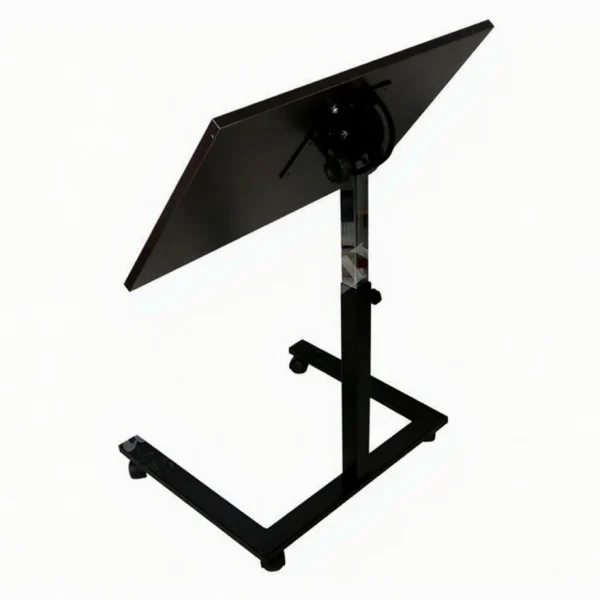
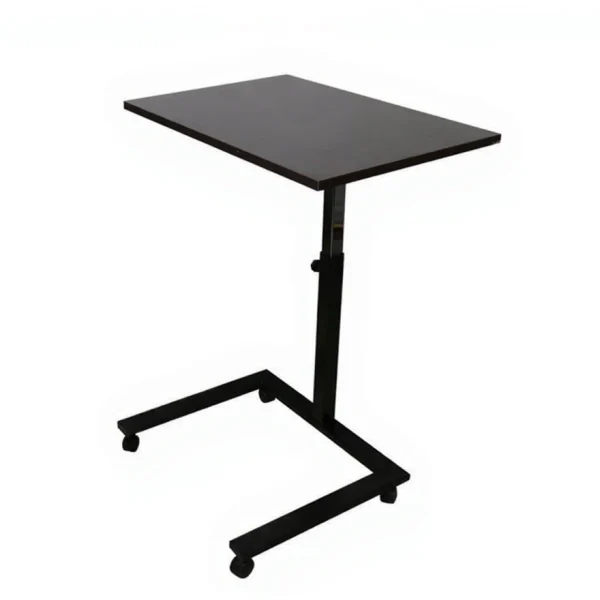
HBH2001 Portable Foldable Laptop Stand with Adjustable Height and Angle from the Ground
In stock
| Brand | Hodbehod |
|---|---|
| Model Type |
HBH2001 |
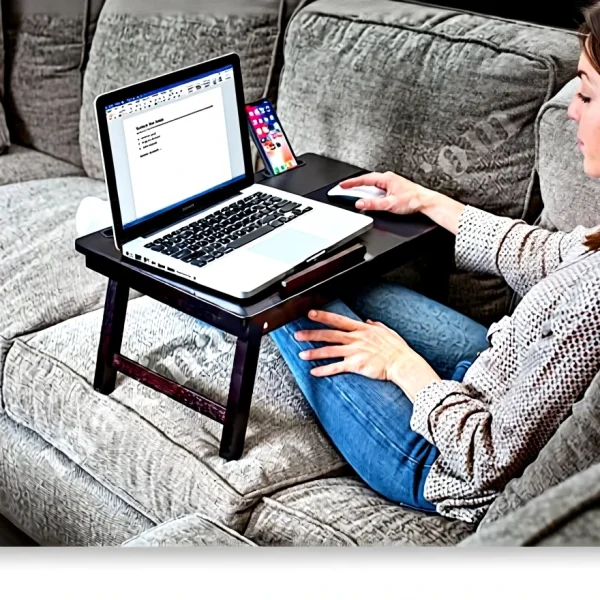
HOD 02 Foldable Adjustable Wooden Portable Tablet Laptop Desk Book Work Breakfast Enjoyment
In stock
| Brand | Hodbehod |
|---|---|
| Model Type |
HOD-02 |
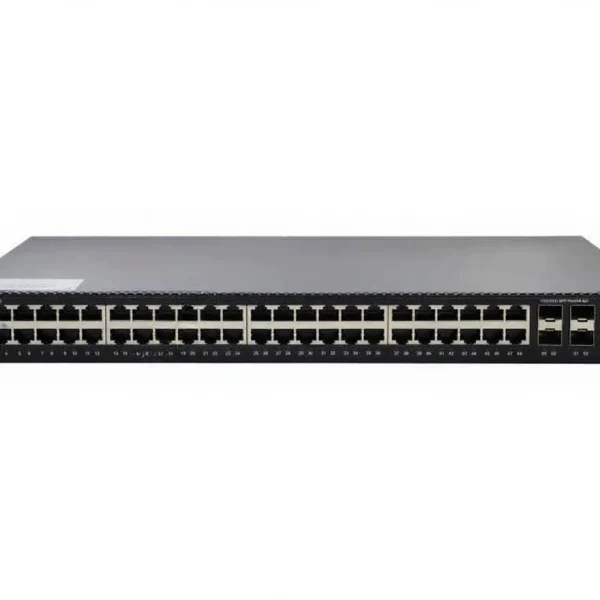
Longline Network Switch Layer3 2.5G Managed Switch Lng5860-48M4x2q
In stock
| Brand | Longline |
|---|---|
| Model Type |
LNG5860-48M4X2Q |
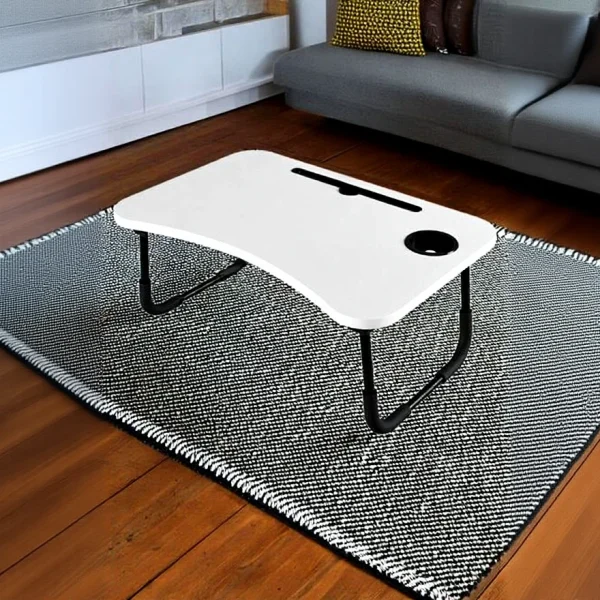
Portable Foldable Sofa Bed Top Laptop Tablet Work Desk and Breakfast Table White
In stock
| Brand | Hodbehod |
|---|---|
| Model Type |
HS05-LS |
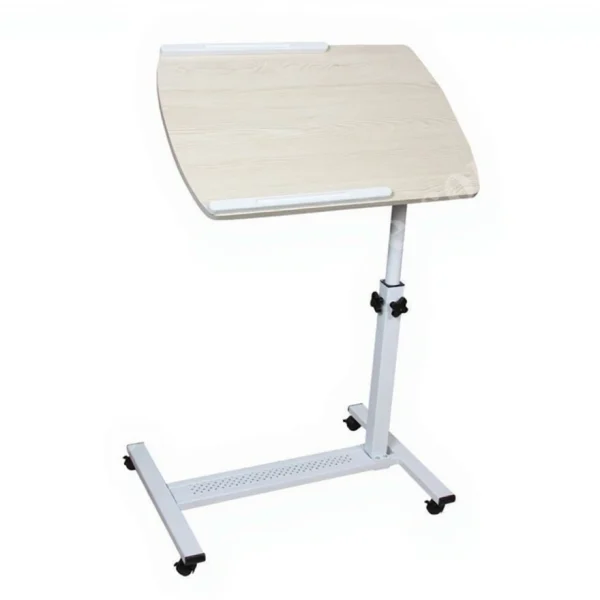
QQ 83 Portable Adjustable Height Adjustable Computer Laptop Stand
In stock
| Brand | Hodbehod |
|---|---|
| Model Type |
QQ 83 |
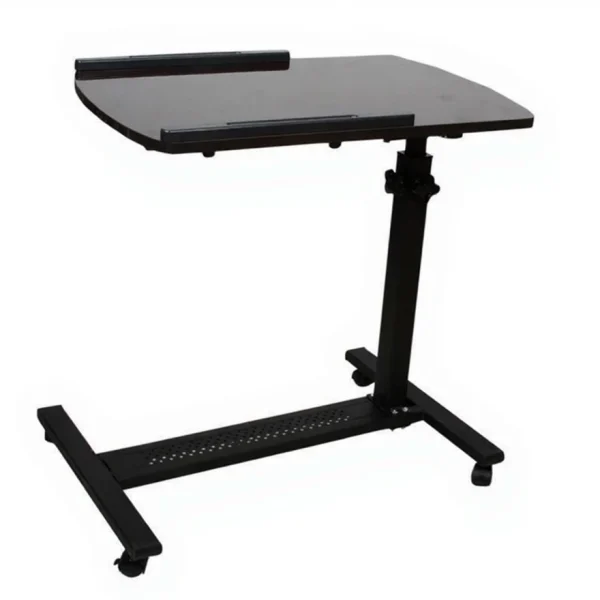
QQ 83 Tilt-Height Adjustable Sofa-Bedside Tablet-Laptop Table
In stock
| Brand | Hodbehod |
|---|---|
| Model Type |
QQ-83 |
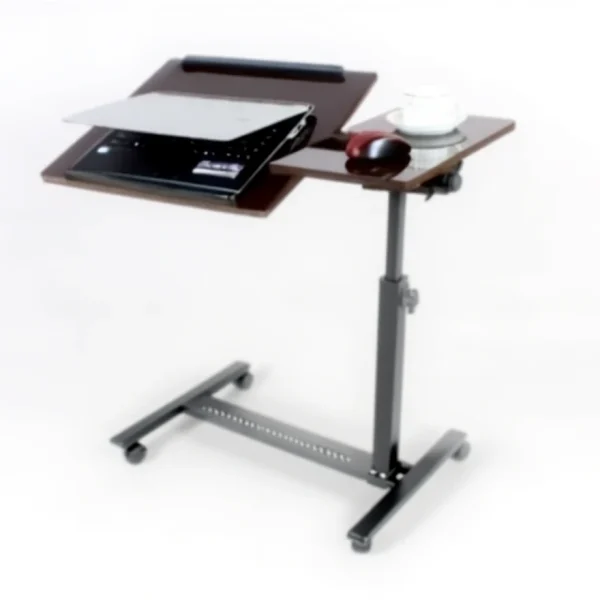
QQ8A BLACK CEDAR Height and Tilt Adjustable Laptop Stand Desk with Wheels and Mouse Compartment
In stock
| Brand | Hodbehod |
|---|---|
| Model Type |
QQ8A BLACK CEDAR |