






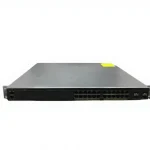
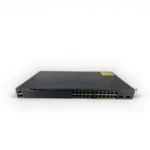
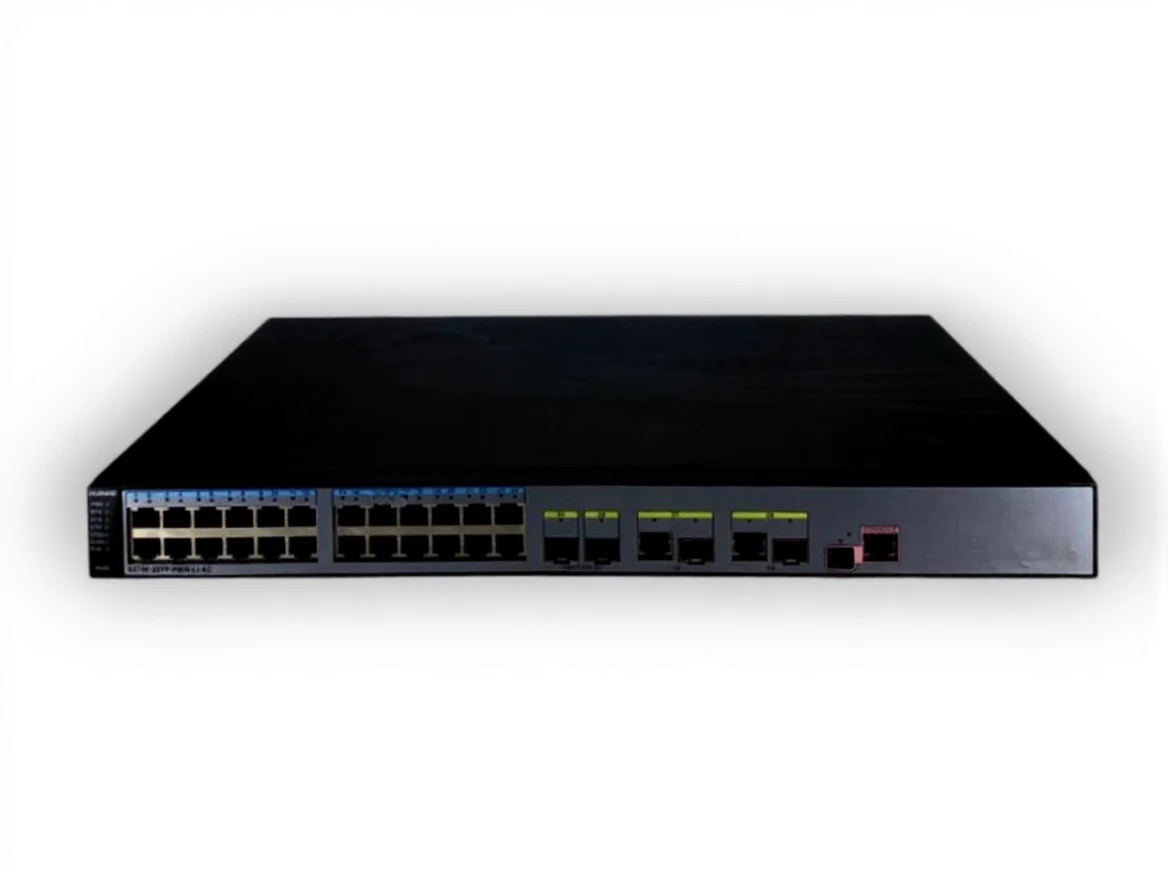

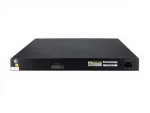
Huawei S5700-28Tp-Pwr-Lı-Ac 24-Port 1Gbe Poe + Layer 3 Switch
| Brand | Huawei |
|---|---|
| Model Type |
S5700-28TP-PWR-LI-AC |
Description
Huawei S5700-28TP-PWR-LI-AC is a Layer 2/Layer 3 switch from Huawei’s S5700 series. This model is designed for small and medium-sized businesses, offering high performance, reliability, and flexibility.
Key Features
-
Port Configuration:
- 24 Gigabit Ethernet ports: Provides high-speed data transmission.
- 4 SFP (Small Form-Factor Pluggable) ports: Supports fiber connections.
-
Power over Ethernet (PoE):
- Supports PoE+ for powering IP phones, security cameras, and other PoE devices.
-
High Performance:
- Delivers high performance even under heavy network traffic thanks to its advanced processor and memory structure.
-
Advanced Security:
- Enhances network security with VLAN support, firewall features, and other security protocols.
-
Management Options:
- Offers easy management and configuration with Huawei’s iMaster NCE software. Also provides a user-friendly experience with a web-based management interface.
-
Modular Design:
- Can be expanded and customized with additional modules due to its modular design.
Use Cases
- Small and Medium-Sized Businesses: Ideal for network solutions requiring high performance and reliability.
- Educational Institutions: Suitable for supporting network infrastructure in schools and universities.
- Retail Environments: Provides reliable wireless connectivity for customers and employees.
- Office Environments: Used to connect office devices (computers, printers, etc.).
Installation and Setup
- Physical Installation: Place the switch in a suitable rack or desktop area.
- Power Connection: Connect the power supply.
- Network Connections: Integrate into your network by connecting Ethernet cables to the switch.
- Management Access: Configure the necessary settings for access to Huawei’s management interface (IP address, subnet mask, etc.).
- Network Configuration: Set up VLANs and other network configurations.
Things to Consider
- Cooling: Ensure that the switch provides sufficient cooling; overheating can affect performance.
- Security Settings: Take necessary security measures and configure settings carefully to ensure network security.
- Software Updates: Regularly update the switch’s software to patch security vulnerabilities and benefit from new features.
Related products
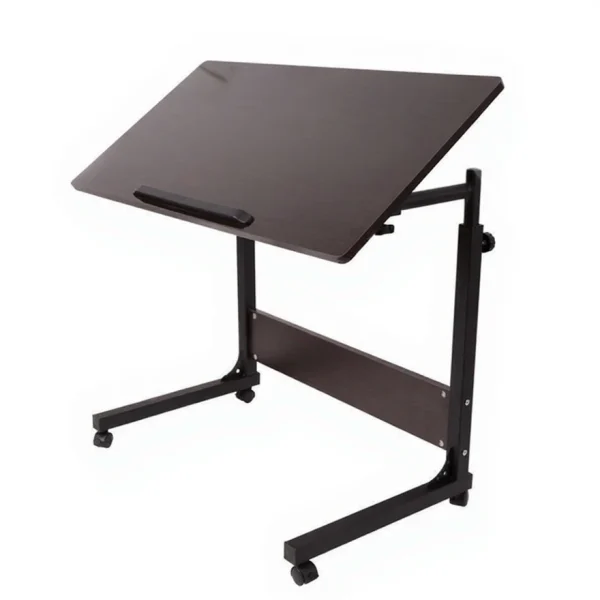
Adjustable Height and Tilt Laptop Desk Study Table
In stock
| Brand | Hodbehod |
|---|---|
| Model Type |
QQ1000BlackWalnut |
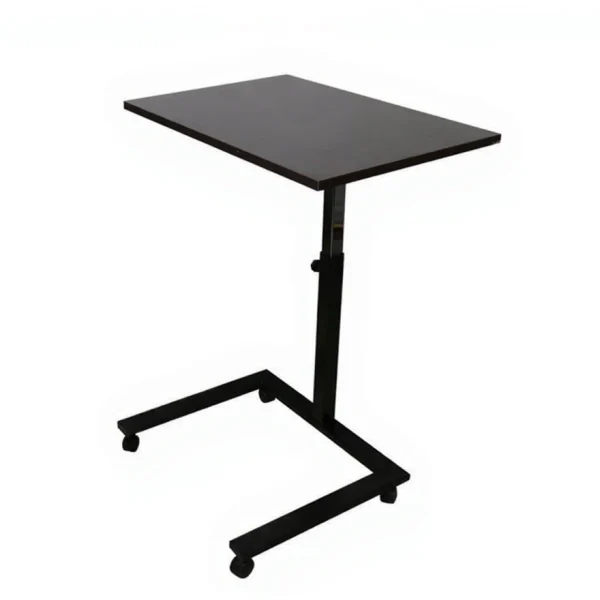
HBH2001 Portable Foldable Laptop Stand with Adjustable Height and Angle from the Ground
In stock
| Brand | Hodbehod |
|---|---|
| Model Type |
HBH2001 |

Organizer Desktop Screen Monitor Tv Laptop Printer Riser with Metal Stand
In stock
| Brand | Hodbehod |
|---|---|
| Model Type |
Organiser |
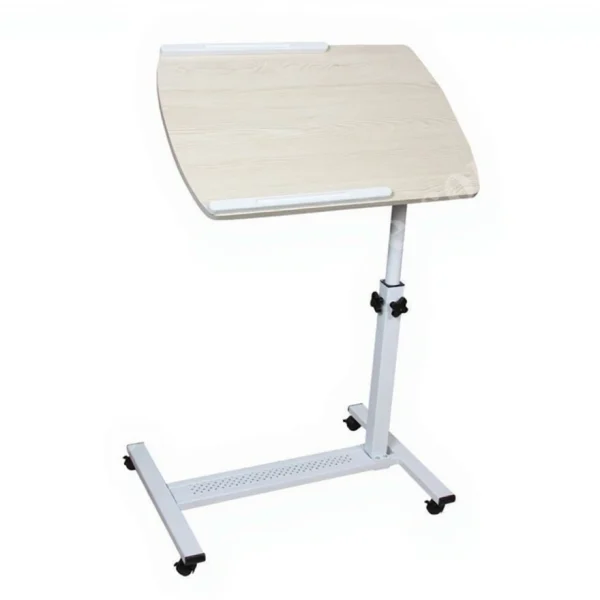
QQ 83 Portable Adjustable Height Adjustable Computer Laptop Stand
In stock
| Brand | Hodbehod |
|---|---|
| Model Type |
QQ 83 |
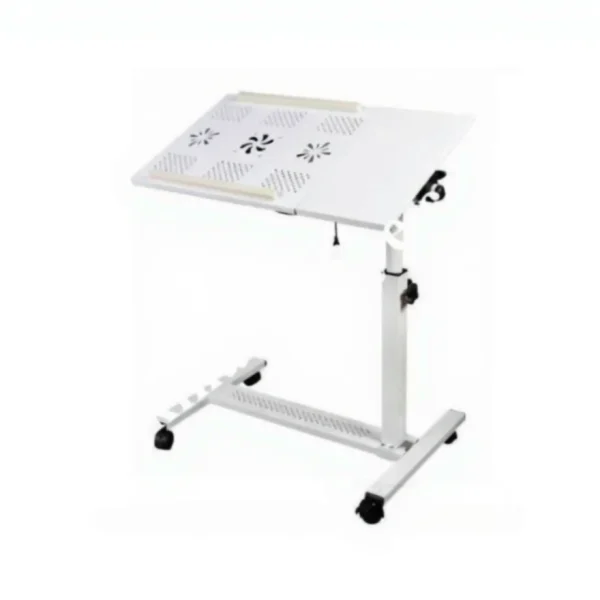
QQ 8A Height-Tilt Adjustable Metal Surface-Double Cooler Laptop Stand with Wheels
In stock
| Brand | Hodbehod |
|---|---|
| Model Type |
QQ-8A Soğutuculu Siyah |
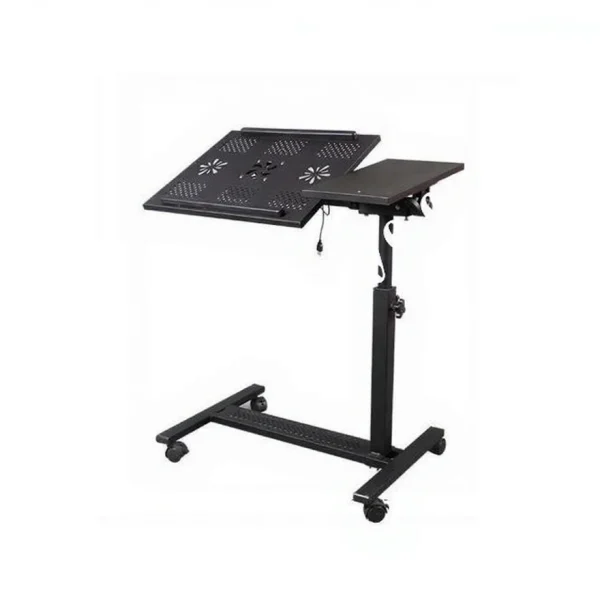
QQ 8A Tilt and Height Adjustable Laptop Stand with Wheels and Mouse Compartment
In stock
| Brand | Hodbehod |
|---|---|
| Model Type |
qq-8A FANLI |
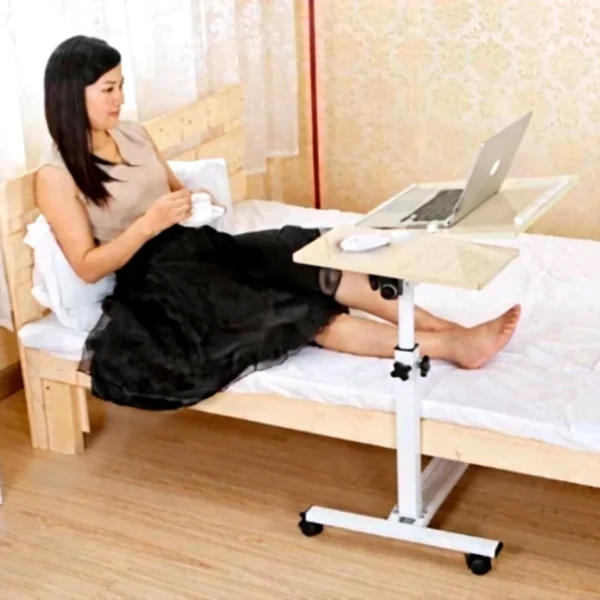
QQ8A MDF Height and Tilt Adjustable Laptop Stand with Mouse Section and Wheels
In stock
| Brand | Hodbehod |
|---|---|
| Model Type |
QQ8A MDF |
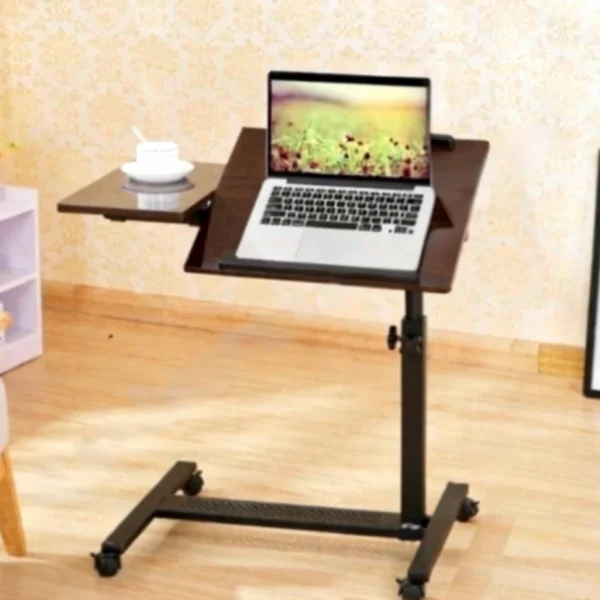
QQ8A Portable Height and Tilt Adjustable Sofa Side Laptop Stand
In stock
| Brand | Hodbehod |
|---|---|
| Model Type |
QQ8A |